
2 min readBy Artcolor
Perfect at 100%, flickering at 10%. Dimming LED strip without the shimmer
LED tape that looks flawless at full output can shimmer, step or band on camera at low levels. Why dimming is a system question, and how to test it before handover.
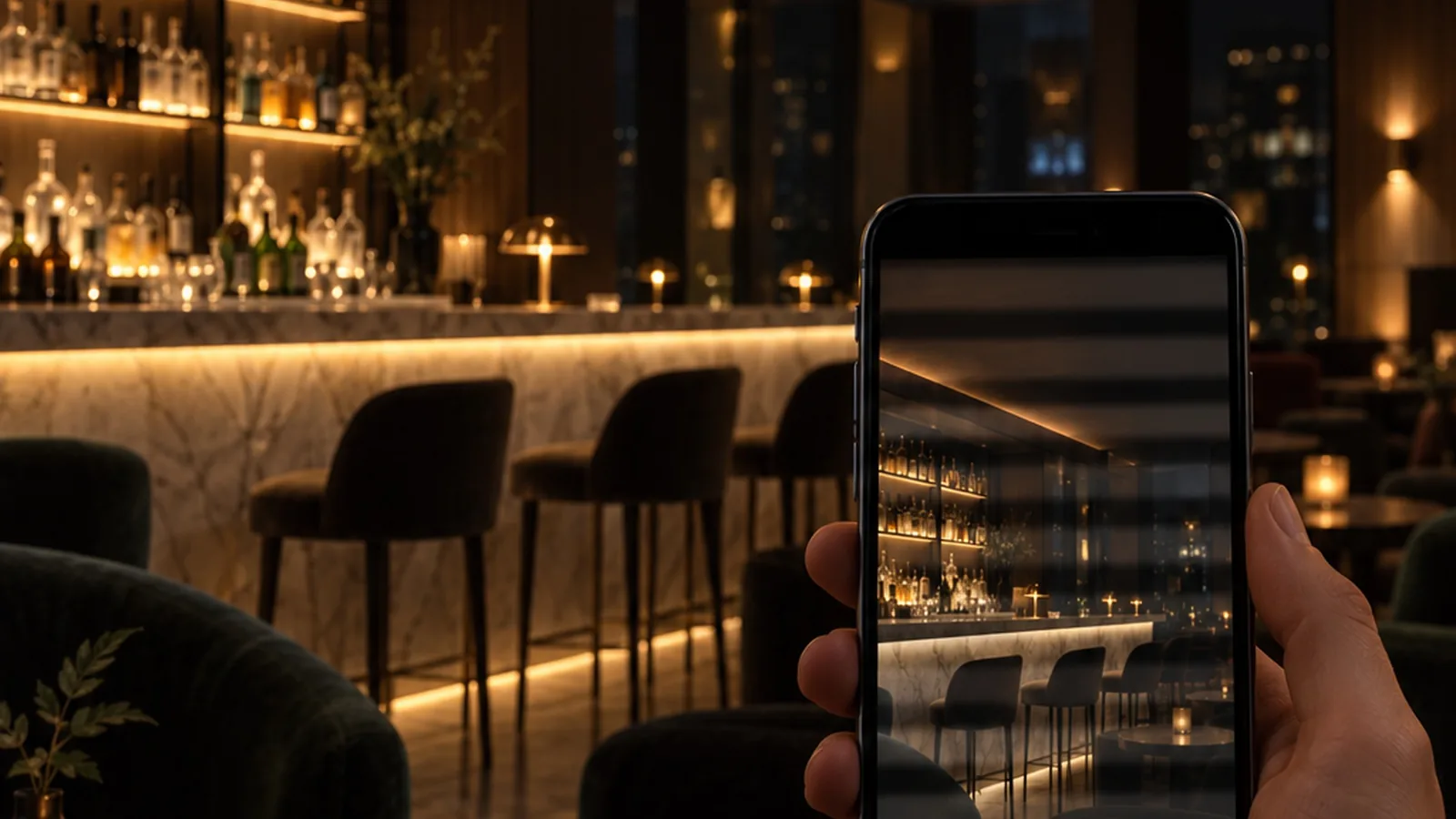
It's one of the most common complaints installers share online: LED tape that looks flawless at full output starts to shimmer, step or flicker once it's dimmed down for the evening scene. Sometimes the eye can't see it, but every phone camera in the room shows dark bands rolling across the image.
The strip is often not the only cause. Dimming is a system: the dimmer or control signal, the driver and the strip have to be chosen and tested together.
Where the problem comes from
- A dimmer and driver that weren't made for each other. Phase-cut dimmers, 0/1–10 V and DALI each send a different kind of signal. A driver that doesn't support the signal properly may still "work" at full output and misbehave at low levels.
- The low end of the range. Many systems behave well from 100% down to the middle, then become unstable, step visibly or cut out near the bottom.
- Testing at full output only. If the system is only switched on at 100% during commissioning, the problem appears for the first time on the opening night.
- Cameras. Phone cameras and video show flicker that the eye misses, which matters in hotels, restaurants and retail, where guests and brands film the space.
What helps
- Match the dimmer to the driver. Phase-cut, 0/1–10 V and DALI each need compatible gear. As our technology page puts it: DALI, 0/1–10 V and phase-cut control require a compatible driver or interface.
- Test the full signal path at the lowest scene the space will really use. Not at 100%. If the evening scene runs at 10%, that is the level to approve, ideally with a phone camera as well as the eye.
- Write the dimming range and scenes into the brief. Record the zones, the dimming range and each scene. That gives the driver and controller choice a clear target, and it gives the commissioning team something to check against.
- Keep the electrical design sound. Voltage drop on long runs and overloaded controller channels don't help low-level stability. Match the supply voltage, total watts and each controller channel's current to the selected model.
A short checklist for the brief
- Control type: phase-cut, 0/1–10 V, DALI (DT8 for tunable white), DMX or SPI
- The lowest level each scene really uses
- Driver and controller models, confirmed together with the strip
- Run lengths and feed positions
- Who signs off the low-level test, and how (eye and camera)
Where it matters most
Hotel bars, restaurants, lobbies at night, galleries with low conservation levels, and any space with scene-based lighting. Those are the places that spend most of their time well below 100%.
If you're specifying dimmable strip for a project, tell us the control type and the scenes. We can help match the strip to the controllers and drivers you plan to use, or contact us with the drawing.
- Guides
- LED strip
- Dimming